Mobile gaming has become a major part of entertainment, and online games in Pakistan are played on smartphones by people with different devices, internet connections, and gaming preferences. One common question among mobile gamers is whether these games support landscape mode. Landscape mode means holding the phone horizontally instead of vertically, giving the player a […]
Mobile gaming has become a major part of entertainment, and online games in Pakistan are played on smartphones by people with different devices, internet connections, and gaming preferences. One common question among mobile gamers is whether these games support landscape mode. Landscape mode means holding the phone horizontally instead of vertically, giving the player a wider view of the game.
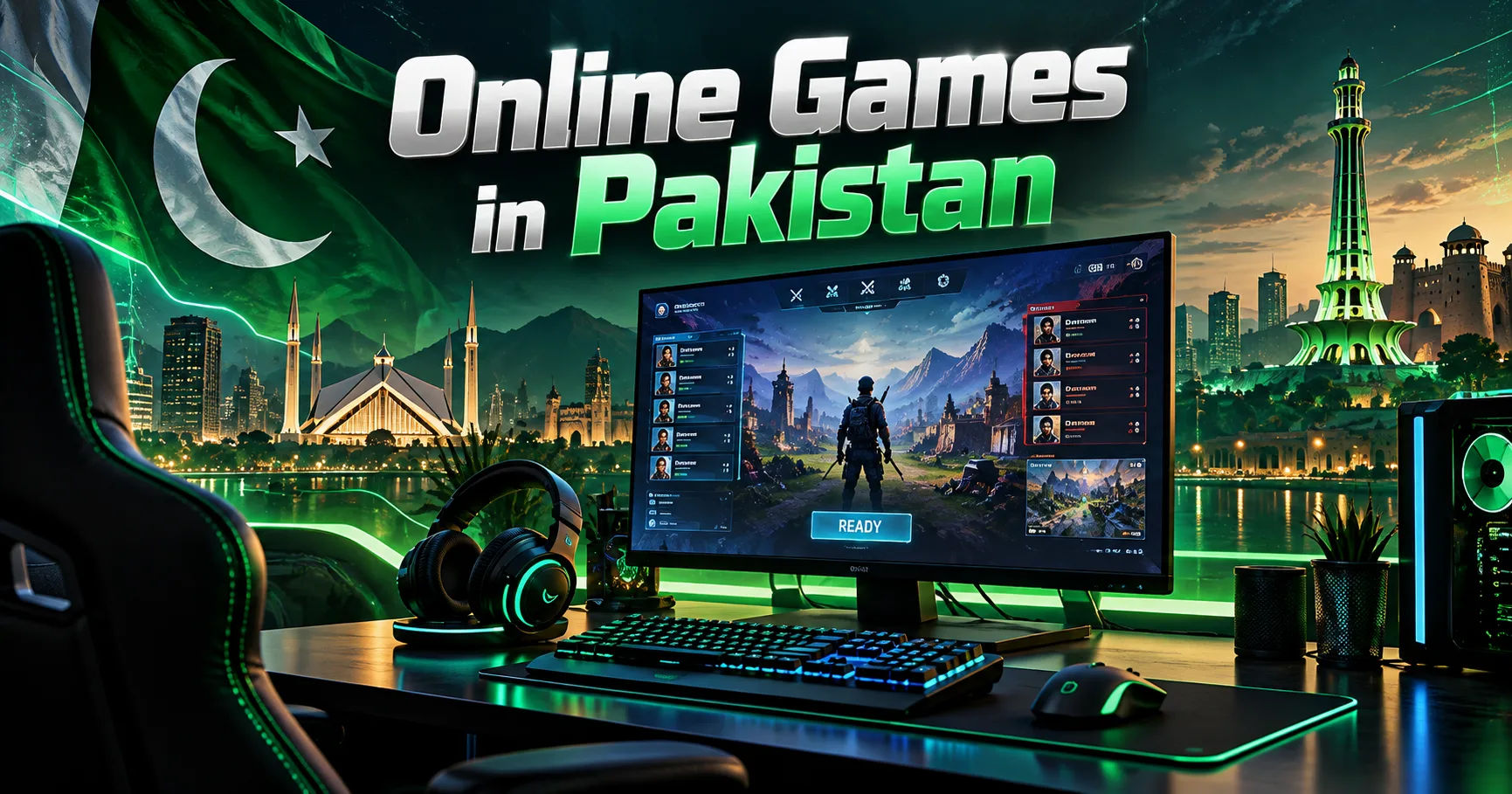
The answer depends on the specific game, its design, and the device being used. Many modern mobile games support landscape mode because it provides a larger playing area and makes controls easier to manage. However, some games are designed specifically for portrait mode and will not rotate when the phone is turned sideways.
This guide explains how landscape mode works, which types of games commonly support it, why developers choose different screen orientations, and what Pakistani gamers should consider when choosing a mobile game.
What Is Landscape Mode in Mobile Gaming?
Landscape mode is a horizontal screen orientation. Instead of using the phone in its normal vertical position, the player rotates the device sideways.
The screen becomes wider, which can be useful for games that require detailed controls or a broad view of the playing environment.
For example, racing games often benefit from landscape mode because the wider screen allows players to see more of the road. Shooting games can also use the extra horizontal space to display movement controls, aiming buttons, maps, and other interface elements.
In comparison, portrait mode keeps the phone vertical. This orientation is common in puzzle games, card games, casual games, and applications designed for quick sessions.
Why Screen Orientation Matters
Screen orientation affects the entire gaming experience.
A game designed for landscape mode can place controls on opposite sides of the screen. This allows players to use both thumbs comfortably. One thumb may control movement while the other manages aiming, attacking, or other actions.
A portrait game has less horizontal space but can be easier to use with one hand.
Developers therefore choose an orientation based on the type of game they are creating.
Do Online Games in Pakistan Usually Support Landscape Mode?
There is no single rule for online games in Pakistan because Pakistan is not what determines whether a game supports landscape mode. The feature is primarily controlled by the game's software and the developer's design.
A game available to Pakistani users generally has the same orientation features as the same game available elsewhere, unless a particular regional version has different functionality.
Many popular multiplayer and action games are designed for landscape mode. Other games may automatically switch between portrait and landscape depending on the player's device.
Some games also allow users to select their preferred orientation through settings.
Games Commonly Designed for Landscape Mode
Certain categories are more likely to use landscape mode.
Racing games are a strong example. Players usually need to see a large portion of the track and access steering, braking, acceleration, and other controls.
First-person and third-person shooting games also commonly use landscape mode. The wider screen provides more room for movement and combat controls.
Strategy games can benefit from landscape orientation because players may need to view maps, buildings, characters, resources, and menus simultaneously.
Sports games are another category where landscape mode can be useful. A wider screen can make it easier to see the field and control players.
Games That Often Use Portrait Mode
Not every mobile game needs a horizontal display.
Puzzle games are frequently designed for portrait mode. Players can complete simple tasks without requiring a large viewing area.
Card games also commonly use portrait orientation. The game board can fit comfortably on a vertical screen, and players can easily access cards and menus.
Some casino-style games, word games, and casual games follow the same approach.
Portrait mode can also make quick gaming sessions more convenient because users can operate the phone with one hand.
Why Developers Choose Portrait Mode
The choice is usually based on gameplay rather than location.
If a game requires only simple tapping, swiping, or dragging, portrait mode can be perfectly suitable.
It also allows developers to design a straightforward interface with fewer controls.
For casual games, this can make the experience easier for new players.
How to Check Whether a Game Supports Landscape Mode
Before downloading a game, users can check its official description, screenshots, or gameplay videos.
The screenshots often provide a clear indication of the intended screen orientation.
If the screenshots show the game being played horizontally, it is likely designed for landscape mode.
Players can also check the game's settings after installation. Look for options such as display orientation, screen rotation, or landscape mode.
Test Automatic Rotation
If your phone has automatic rotation enabled, turn the device sideways while the game is open.
If the game supports automatic landscape orientation, the display may rotate immediately.
However, if the game remains vertical, that does not necessarily mean something is wrong with your phone. The developer may have locked the game to portrait mode.
Does Auto-Rotate Always Work?
No. The phone's auto-rotate feature and the game's orientation settings are separate.
A smartphone can support screen rotation while an individual application prevents rotation.
For example, your browser might rotate into landscape mode while a particular game remains vertical.
This happens because applications can specify which screen orientations they support.
Check Your Phone Settings
If a game is supposed to support landscape mode but does not rotate, first check the phone's rotation setting.
On many Android phones, you can access this option through the quick settings panel.
Look for an option such as "Auto Rotate."
If the device is locked to portrait orientation, the game may remain vertical even when it supports landscape mode.
Android Gaming in Pakistan
Android smartphones are widely used for online games in Pakistan, and Android devices offer different screen sizes, hardware specifications, and software versions.
Because of this variety, gaming experiences can differ between devices.
A game may technically support landscape mode but display controls differently on a smaller screen compared with a larger phone.
Screen Size and Aspect Ratio
Modern smartphones have different aspect ratios.
Some devices have tall displays, while others have wider screens. A game designed for multiple devices needs to adjust its interface accordingly.
Developers typically use responsive layouts to prevent buttons, menus, and other elements from appearing in the wrong positions.
However, poorly optimized games may have visual problems on unusual screen sizes.
iPhone Gaming and Landscape Mode
iPhones also support landscape gaming, although the exact behavior depends on the application.
Many games are designed to work horizontally because the larger viewing area suits their gameplay.
Some applications may lock the screen to portrait mode.
The same basic principle applies: the game's developer determines which orientations the application supports.
Does Internet Speed Affect Landscape Mode?
Internet speed does not normally determine whether a game supports landscape mode.
Landscape mode is a display feature rather than an internet feature.
However, internet quality can significantly affect online gameplay.
A player might have a game that works perfectly in landscape mode but still experience delays because of high latency or an unstable connection.
Understanding Ping and Latency
Ping measures the time it takes for data to travel between your device and the game server.
Lower latency generally provides a more responsive multiplayer experience.
This can be especially important in competitive games where players need to react quickly.
Therefore, gamers should distinguish between screen orientation problems and internet connection problems.
If the game does not rotate, check the orientation settings. If the game freezes or responds slowly, investigate the internet connection.
Why Landscape Mode Is Useful for Multiplayer Games
Landscape mode can be particularly helpful in multiplayer games.
A wider display gives players more space for controls and information.
For example, a competitive action game may need buttons for movement, shooting, jumping, changing weapons, and interacting with objects.
Placing all these controls on a portrait screen can make the interface crowded.
Landscape orientation provides more horizontal space and can make the controls easier to organize.
Better Visibility
A wider screen can also improve visibility.
Players may be able to see more of the environment without constantly moving the camera.
This can be useful in racing, shooting, sports, and strategy games.
Better visibility does not automatically make someone a better player, but it can make the interface more comfortable to use.
Can You Force a Portrait Game Into Landscape Mode?
Some Android tools and third-party applications can attempt to force screen orientation.
However, this does not guarantee that a game will work correctly.
If a developer has designed the interface specifically for portrait mode, forcing it into landscape may stretch the display or place buttons incorrectly.
It can also cause menus or touch controls to become difficult to use.
For this reason, it is generally better to use the orientation officially supported by the game.
Potential Problems With Forced Rotation
Forced rotation can result in several issues.
The game may appear sideways or become distorted. Certain buttons may move outside the visible screen.
Touch controls may also fail to match their visual positions.
In online multiplayer games, additional software may sometimes create compatibility or security concerns.
Players should therefore be careful when installing third-party rotation tools.
How Pakistani Gamers Can Choose the Right Game
When exploring online games in Pakistan,APKHS players should consider more than just whether landscape mode is available.
The device's hardware is important. A demanding game may require a powerful processor and sufficient RAM.
Storage space also matters because modern games can require large downloads and frequent updates.
Internet requirements should also be considered, particularly for multiplayer titles.
Check Device Requirements
Before installing a game, check its minimum requirements.
Look at the supported operating system, required storage, RAM recommendations, and other specifications.
A game that supports landscape mode may still provide a poor experience if the phone cannot run it smoothly.
Consider the Control Layout
Controls are another important consideration.
Some players prefer games where movement and actions are positioned around the edges of the screen.
Others prefer simple tapping and swiping.
Try different games to find a control system that feels natural.
Landscape Mode and Battery Consumption
Screen orientation itself does not normally create a major difference in battery consumption.
However, many games that use landscape mode are graphically demanding.
High-quality graphics, fast frame rates, network activity, and high screen brightness can consume considerable battery power.
Players who spend long periods gaming should keep this in mind.
Reducing brightness or lowering graphics settings can sometimes extend battery life.
Common Landscape Mode Problems
Players may experience several issues when trying to use landscape mode.
One common problem is that the game does not rotate at all.
Another is that the game rotates but the controls do not adjust correctly.
Some games may also return to portrait mode whenever a menu or advertisement appears.
These issues are usually related to how the application handles screen orientation.
Basic Troubleshooting
If a game should support landscape mode, try restarting the application.
Then check the phone's auto-rotate setting.
Make sure the game is updated to the latest available version.
If the problem continues, check the game's official support information.
Avoid assuming that the phone itself is defective simply because one application refuses to rotate.
The Future of Mobile Gaming in Pakistan
The mobile gaming market continues to develop, and smartphones are becoming more capable.
As devices receive better displays, processors, graphics capabilities, and connectivity, developers have more opportunities to create sophisticated mobile experiences.
This may encourage more games with advanced interfaces and flexible screen layouts.
For online games in Pakistan, accessibility will remain important because players use a wide variety of smartphones.
Developers who optimize games for different screen sizes and hardware levels can make their products accessible to a larger audience.
Conclusion
Landscape mode has become an important feature in many modern mobile games, particularly games involving racing, shooting, sports, strategy, and multiplayer competition. However, not every game supports it. The decision ultimately depends on how the developer designed the game's interface and controls.
For people playing online games in Pakistan, the availability of landscape mode is generally determined by the individual game rather than the player's country. A Pakistani player using an Android phone or iPhone will normally receive the orientation features supported by that game's version.
Players should check the game's screenshots, settings, official requirements, and support information before assuming that it will work horizontally. They should also remember that auto-rotate settings on the phone do not automatically force every application to rotate.
Landscape mode can make complex games more comfortable because it provides additional horizontal space for controls and visual information. At the same time, portrait mode remains useful for casual games, puzzles, cards, and other experiences designed around simple interactions.
Ultimately, the best orientation depends on the game and the player's preferences. Checking compatibility before installation can help avoid unnecessary problems and provide a smoother mobile gaming experience.